
How To Link-Share on Facebook

Yesterday, Facebook announced another change in their algorithm:
“We’ve found that, as compared to sharing links by embedding in status updates, these posts get more engagement (more likes, comments, shares and clicks) and they provide a more visual and compelling experience for people seeing them in their feeds.”
Click here for the full update
Essentially, text based posts will not reach as many people as image-based posts do.
Here are the differences between text-based (no image but has a link):
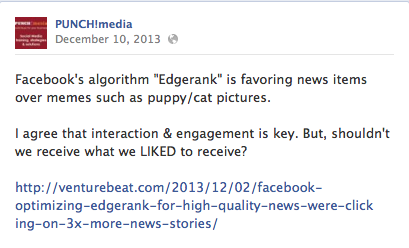
Versus image-based (image featured along with copy):

Sharing images and photos with posts certainly isn’t a new “best practice”. We’ve been sharing this for months. Facebook is only just acknowledging that they are changing their algorithm to favour images over text-only.
So how do you “link-share” properly?
The meta data of the blog post is what pulls the image into the status update.
Meta data is the hidden code that accompanies images and other aspects of your site so that you (and Google, Facebook etc.) can search it like a card catalog.

Step #1: Be sure the content you are sharing has a relevant image that accompanies the post.
Ensure the images on your blog and Facebook posts are sized as:
843 x 403 pixels to have it as a highlighted post that takes up the span of the page such as:
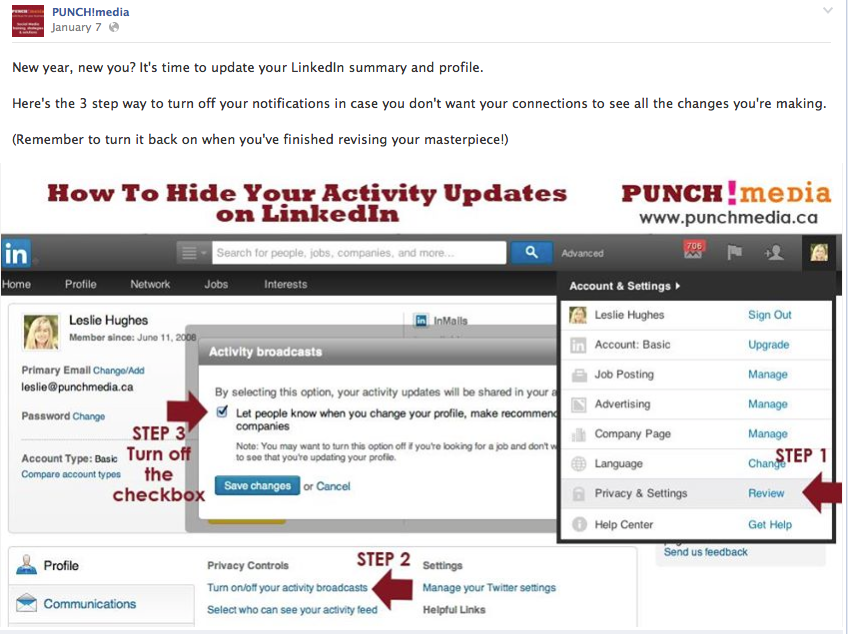
or 400 x 400 for a square:

And if the image you want to appear in the newsfeed STILL doesn’t appear (after you’ve fiddled with meta data etc, you can also upload an image that will appear instead of the default images that appear)

Remember, images should complement the copy and draw attention to the content.
So use the images to get more engagement and help to tell your story.
Step #2: Update images regularly:
- At least once or twice a day for you main status updates
- At least once a month change your cover image
- Use the “app” button real-estate for additional calls-to-action
Step #3: Continue to look at Faceook Insites to see what’s working and what your target audience engages with the most. Do what works. Try something different. Repeat.
Like this post? Please share it with your social network.
