
The Only AI Tool Map Business Professionals Actually Need
I know the feeling. You have too many tabs open.
ChatGPT over here. Copilot living inside Teams. Someone in your office swears by Perplexity. A consultant (probably me!) mentioned Claude (I love Claude). Your inbox has three AI newsletters you haven’t opened since February.
As an AI trainer who has been spending hours learning how to use an AI tool stack effectively, I had an “aha moment”: These tools aren’t competing, they’re applying for different jobs.
Once you see it this way, your overwhelm disappears (well, mostly).
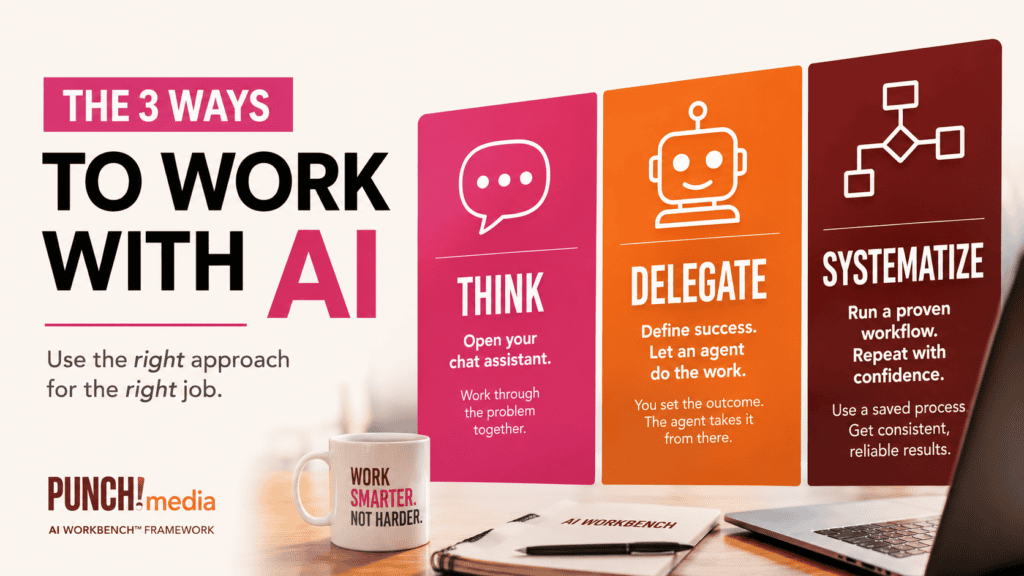
Three ways to work with AI
Chat assistants are thinking partners. You bring the judgment, they bring the horsepower.
Examples: ChatGPT, Claude, Copilot, Gemini.
This is where most of us live. We are using simple prompting. We’re iterating and going back and forth; perhaps sharpening a draft, or asking it to pressure-test a decision instead of just agreeing with us.
Perhaps you’ve levelled up and taken a look at what agents can do. This is literally multi-step work where a virtual “ghost” takes over your laptop and make changes or fills in the blanks on your behalf (Mind blown!).
Agents can do the work on the screen FOR you. When you use agents, you lead it through defining what success looks like, you approve the plan and give it permission to take the next steps directly moving around your cursor on the screen and then you inspect the result.
For example, I’ve used a Claude agent, using the Chrome extension, to clean up years of unused plugins on my website. It assessed, acted, checked its own results, and moved to the next task. I approved the plan at each step and could stop the work mid-stream any time. That specific mix of both relief and mild alarm to see it take over my computer is wild. It’s exciting when something knows more about your own setup than you do, but a little crazy to see it do the work without you. You have to see it and feel the experience to understand it.
Workflows are your saved recipes. Say you finally land the perfect prompt structure for your monthly report. Why start from zero next month? Save it. Improve it. Reuse it. What took an hour the first time takes ten minutes the third, because you kept the structure that worked.
The one question that replaces all the tool anxiety
Before you open anything, ask yourself: am I thinking, delegating, or systematizing?
- Think. Open your chat assistant.
- Delegate. Set up an agent with clear success criteria.
- Systematize. Pull your saved, successful workflow(s) and run it.
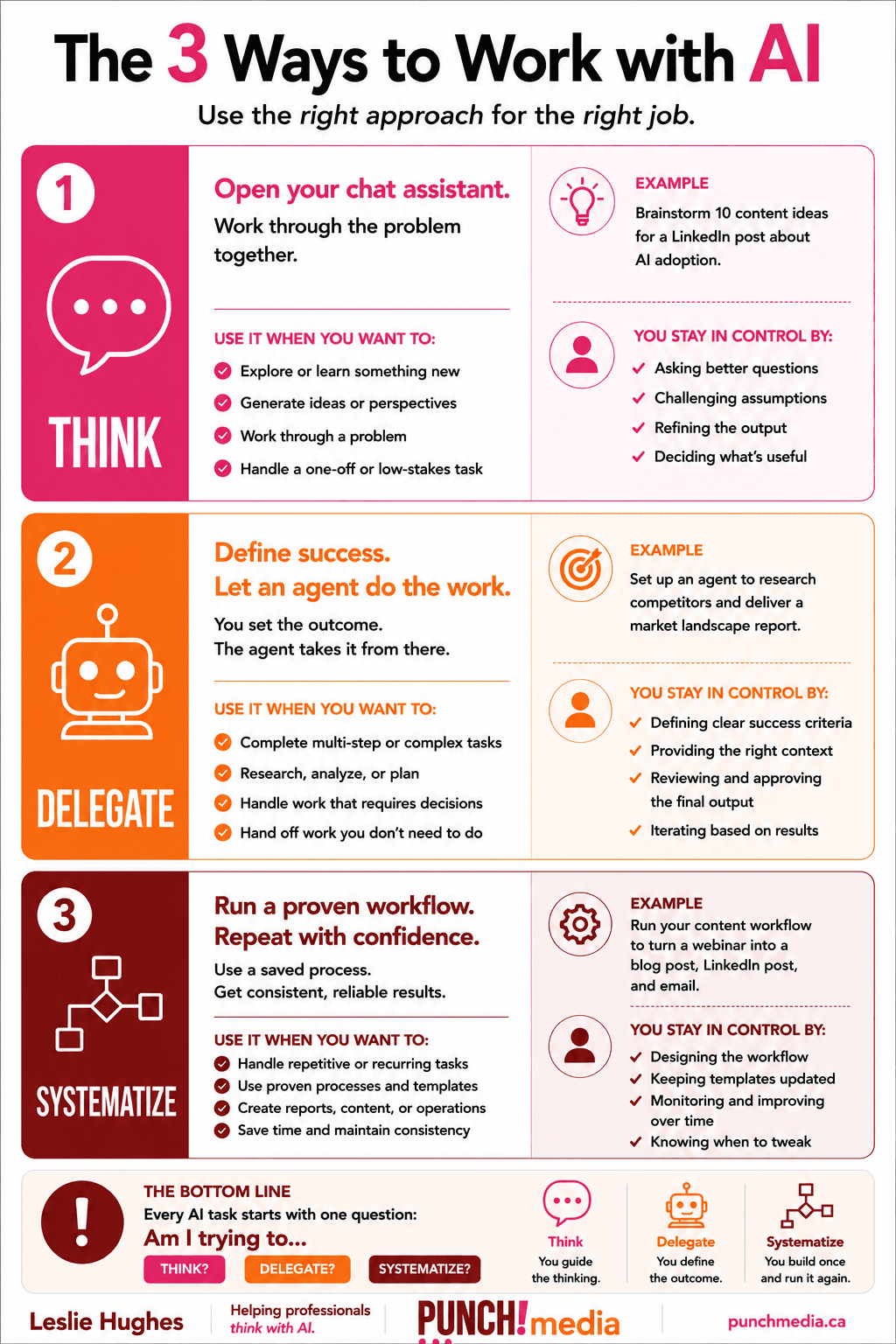
Let’s work this through.
Monday you’re prepping for a client meeting. You open Claude, share context, think through your positioning. Thinking.
Tuesday you need competitive research on three companies by Thursday. You set up an agent with your criteria and let it run. The research results just show up when you’ve scheduled the task to be delivered. Delegating.
Wednesday you’re writing the report you produce every four weeks. You pull last month’s structure, drop in new data, done in twenty minutes. Systematizing.
A note if you’re Microsoft-only
Copilot is genuinely strong for document work, meeting summaries, and anything living inside Word, Excel, and Teams. It’s a natural starting point if that’s your day.
Where it tends to fall short is deeper reasoning and strategy work, the kind of back-and-forth thinking a chat assistant like Claude or ChatGPT is built for. Know what Copilot does well, use it there, and push for expanded access when the thinking-partner work needs more than it can give.
The bigger point
You don’t need to memorize a dozen AI tools, you need to recognize the job in front of you.
Am I thinking? Am I delegating? Or am I systematizing?
Answer that, and choosing the tool stops being the hard part.
Want to bring this framework to your team? I run AI training sessions for organizations across financial services, government, and professional associations. Get in touch at punchmedia.ca/contact
Leslie Hughes is the founder of PUNCH!media. She trains professionals and organizations on practical AI adoption, with clients including financial services, a federal regulatory agency, and professional associations across Canada.
